Some memories
are worth stepping into.
Photos, words, sound, creative work and project results can become an explorable, interactive and shareable 3D space. No modelling required: begin with the content itself.

心象空间 Mindhall
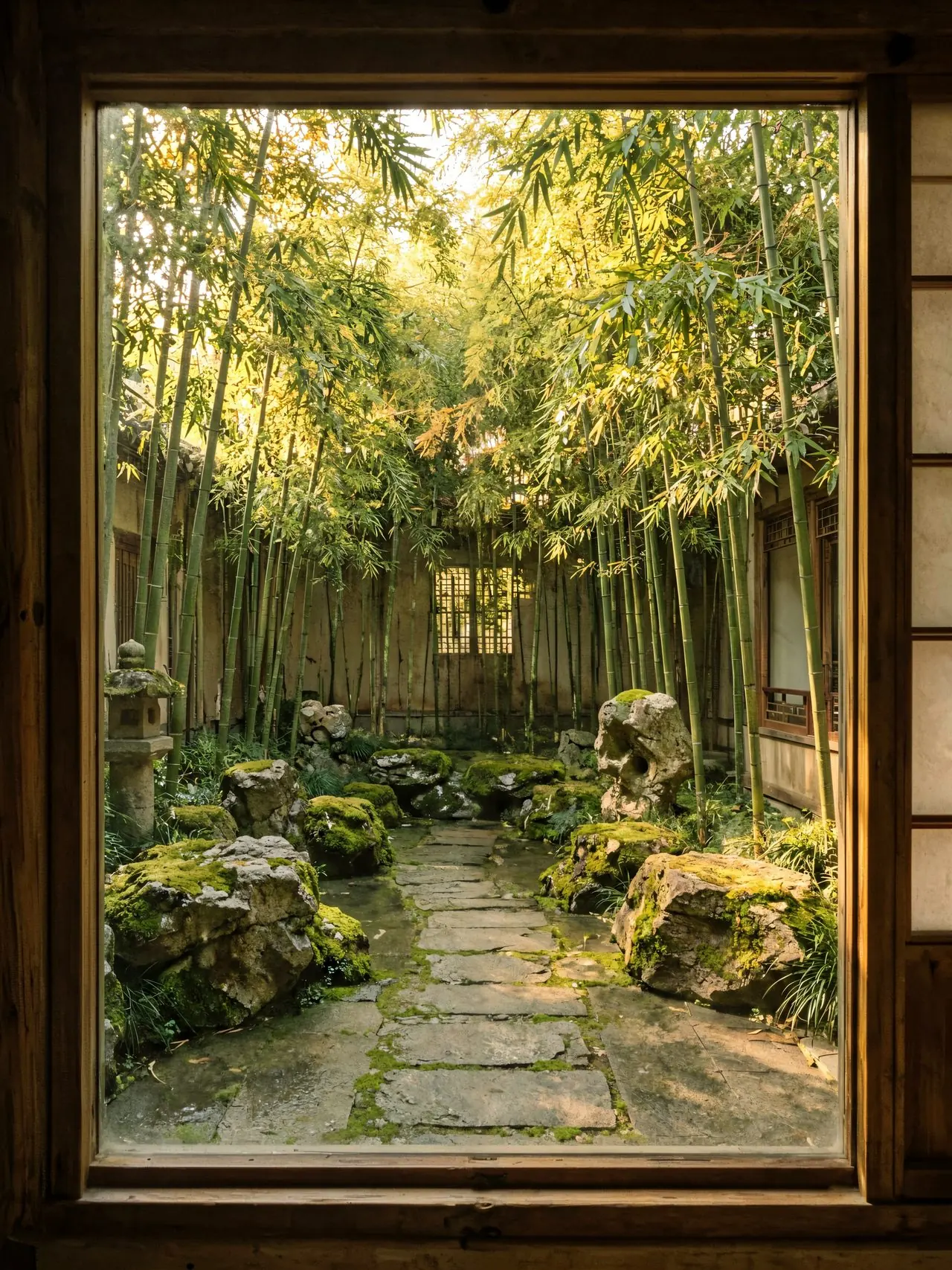
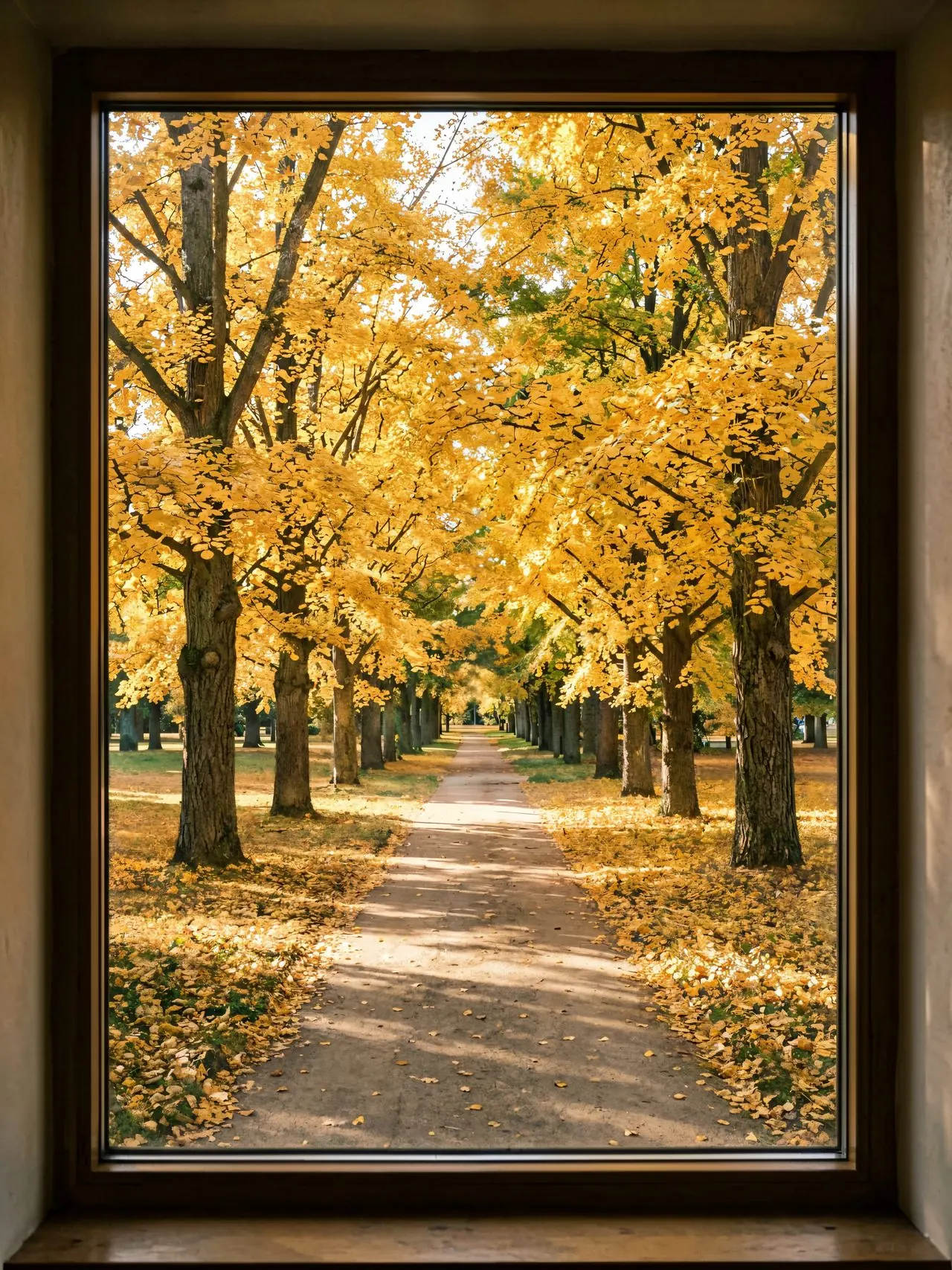
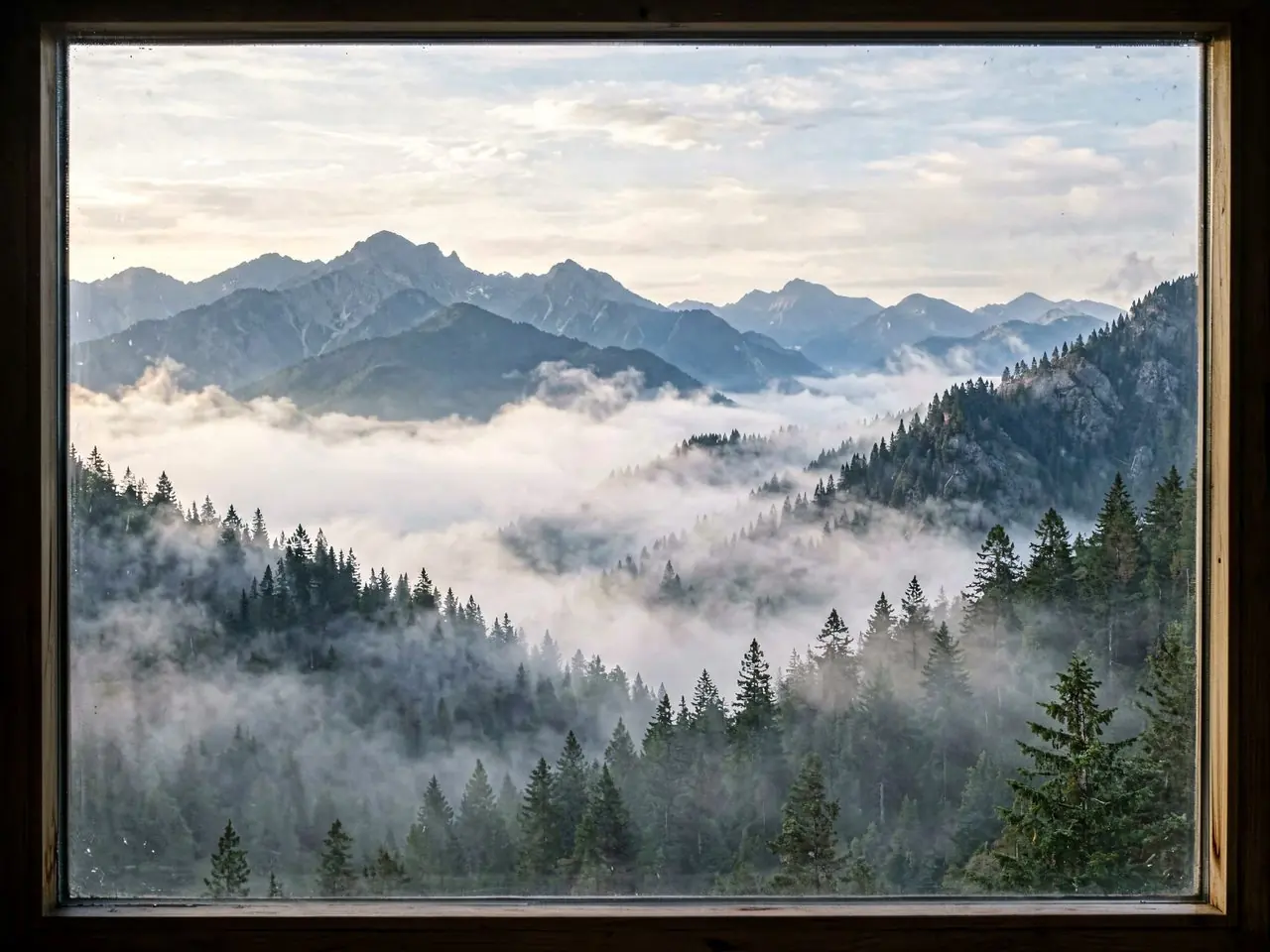
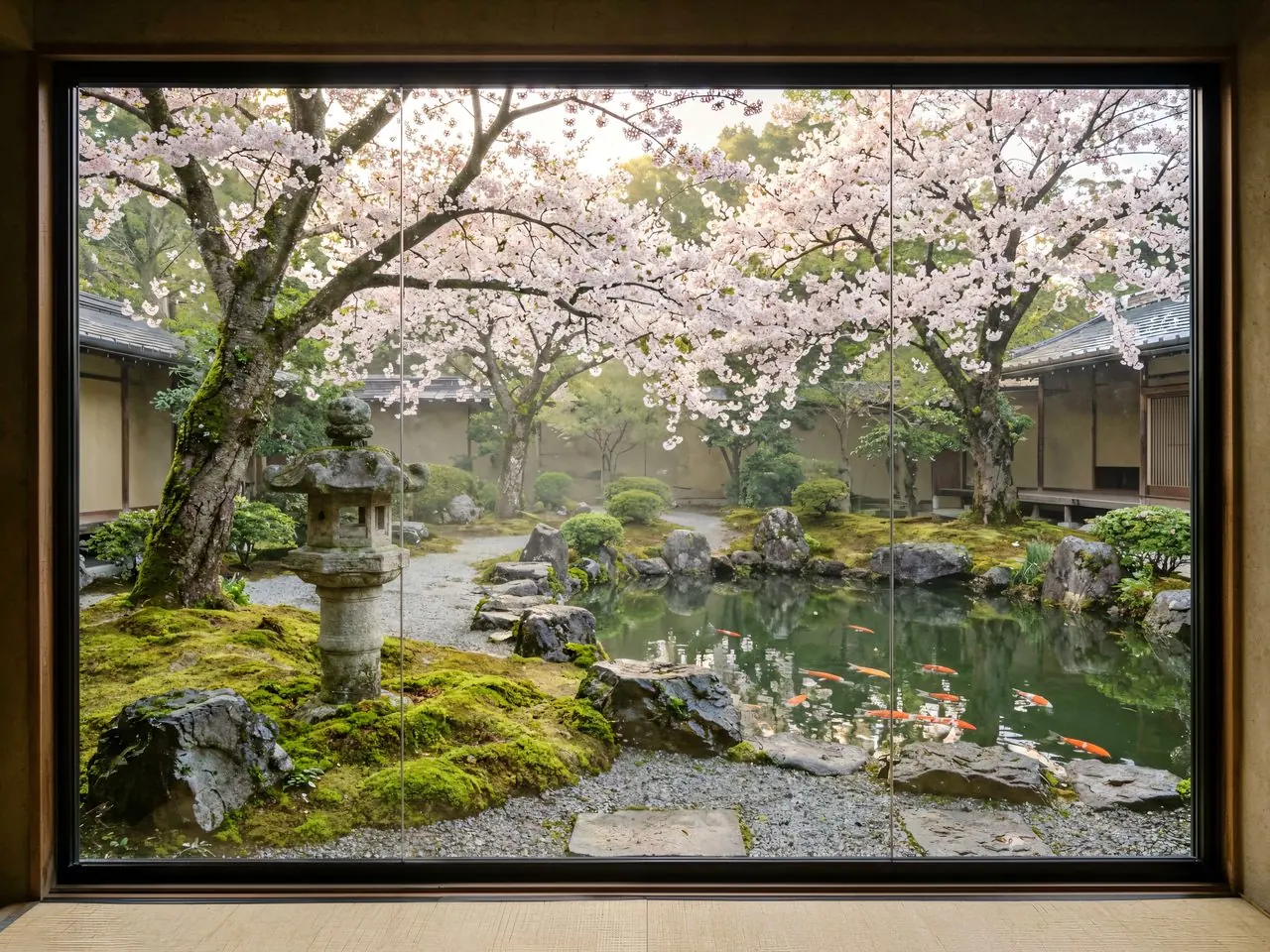
Give content a place and viewing a process. Select a frame to see how a set of materials becomes a space people can enter.
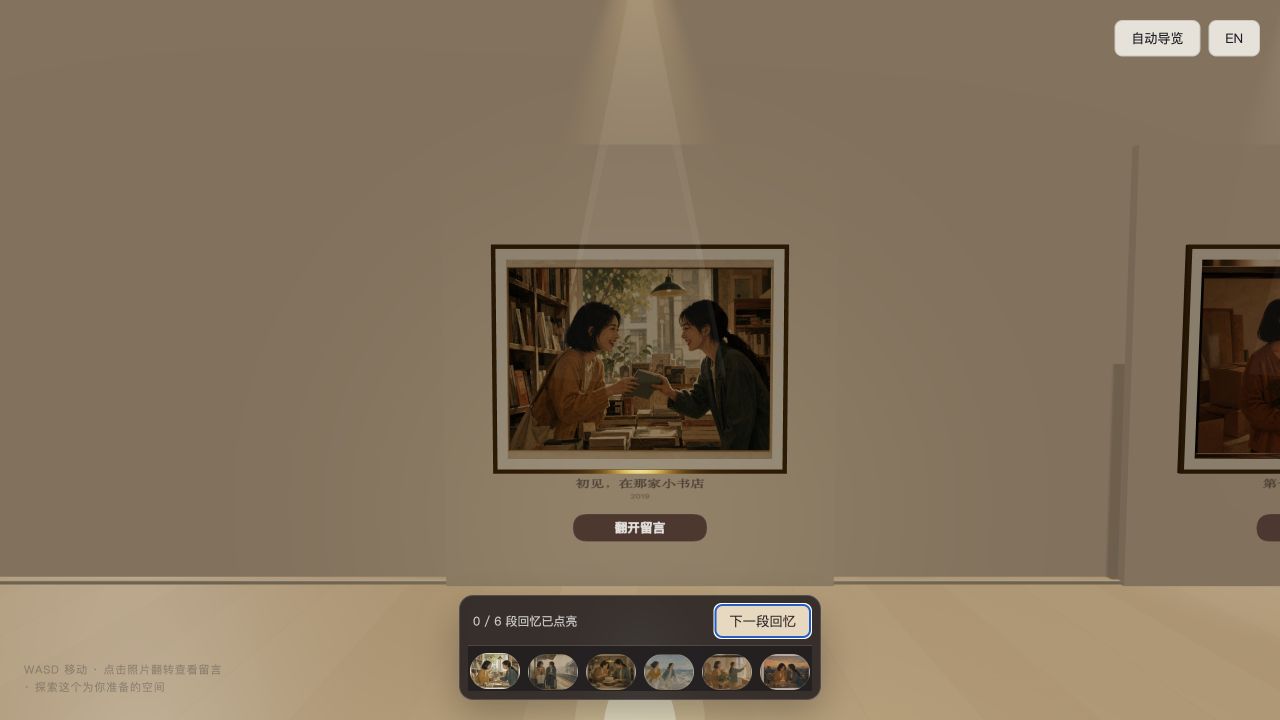
For Xiaoman, on Her Twenty-Eighth Birthday
From meeting and mishaps to awkward moments and the present, six ordinary memories become one visitor path. The photographs show what happened; their reverse sides hold what was left unsaid.
View the case and its designOne spatial language can hold many kinds of content
You do not need to study room layouts or visitor paths first. Choose the purpose closest to yours, then add the content.
Turn a project into a gallery people can explore
Add the process, cases, key moments and milestones so people can understand not only the result, but how it happened.
Give creative work and brand content their own viewing path
Art, design, photography, collections and brand stories become an exhibition with sequence, not just rows of images.
Let something that happened continue to be seen
Keep event photographs, live sound and important fragments so a graduation, anniversary or celebration can live beyond that day.
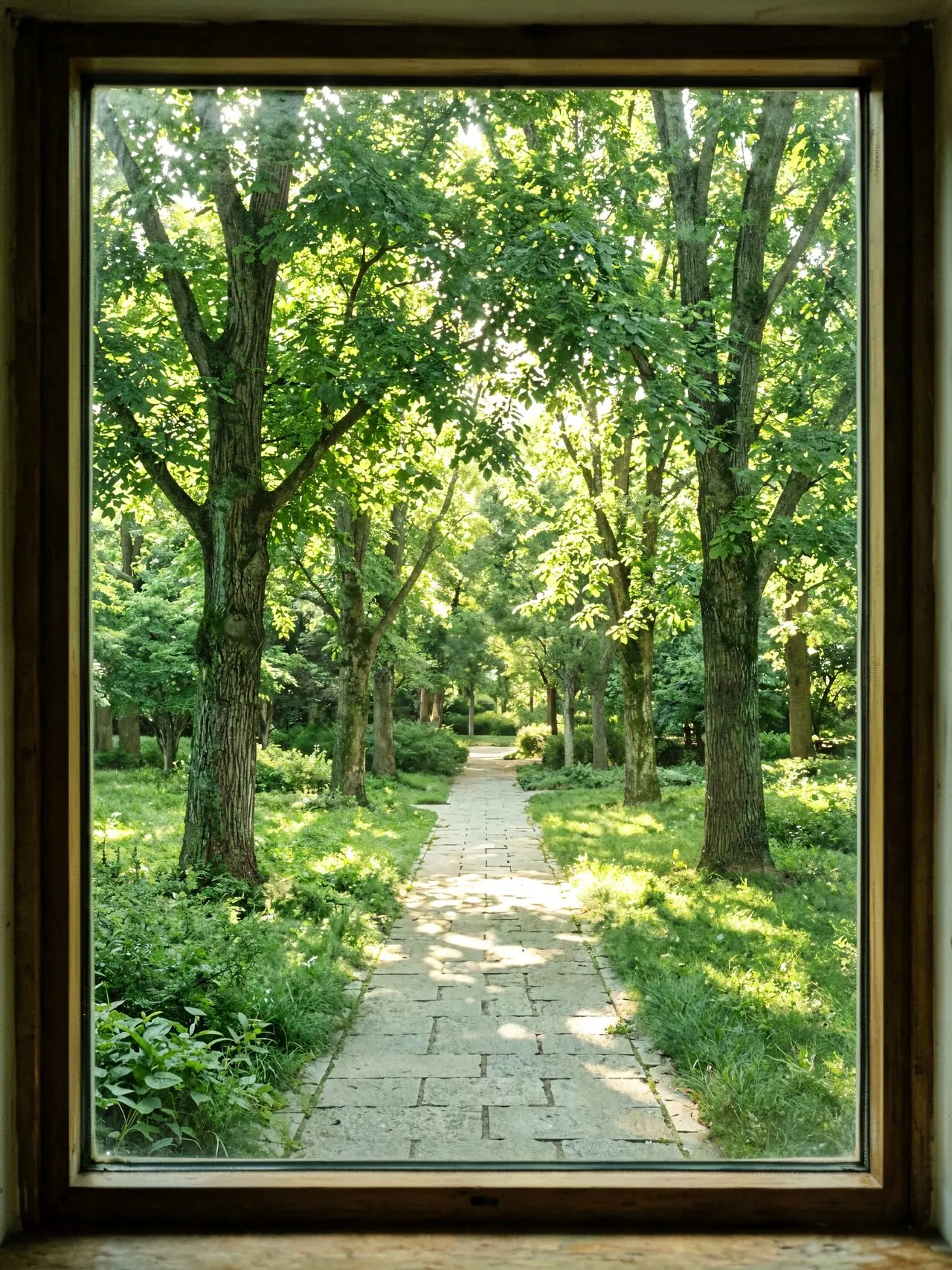
Give important people and memories a place people can enter
Turn photographs, voice notes, old videos and everything you cannot bear to delete into a story people can move through slowly.
Some content deserves more than a single webpage
A body of work can become an exhibition, a project can become a gallery of results, and a memory can have a path of its own.
Give content a place
Entrances, walls, plinths and paths create a viewing order. Where important content is placed becomes part of the expression.
Give viewing a process
Walk forward, turn, move closer and select. Visitors discover the material gradually instead of scrolling past it.
Let materials form relationships
Words can sit beside photographs and sound can belong to a particular place, turning scattered material into one whole.
Some creations are more than a photograph
3D voxel building is one form of making inside Mindhall: complete a piece on its own, or use it as an exhibit within a space.

Build a three-dimensional piece
Fill a transparent 3D guide block by block, or build freely from an empty space. Rotate the view to understand the form and save the result locally.
Open the 3D voxel studioFrom raw material to a space people can enter
No modelling or coding is required. Decide what you want people to see, then refine the space and atmosphere.
Choose a starting point
Choose the space that best fits the content, or begin with an empty gallery.
Add your material
Add photographs, words, sound and creative work, then adjust placement, lighting and viewing order.
Enter and see how it feels
Enter as a visitor. You will immediately feel where people should pause and where the path should continue.
What you may want to know
What is Mindhall for?
Project results, brand stories, exhibitions, event records and personal memories can all become spaces people can explore.
Do I need 3D or coding skills?
No modelling or coding is required. Choose a starting point, upload material and add text, then refine the style and exhibit placement.
Where is my content saved?
During the beta, projects stay in the current browser. Export project files regularly as local backups; accounts and cloud project storage are not currently provided.
How does someone open it?
Supported standard galleries can be exported as offline website packages. Recipients open the extracted package in a browser without installing an app or creating an account.
Do I need voxel-art experience?
No. Follow a transparent guide one block at a time or create freely from scratch. Export the project file regularly as a local backup.
Your content does not have to become just another page
It can have an entrance, rooms, depth and a viewing path of its own.
Private beta · No account required · Projects stay in this browser, so export local backups regularly